Got a project in mind?
We’d love to hear about it.

Get in touch
Yellow Peach web design agency

We compare WordPress and Craft CMS on content modelling, cost, security and developer experience to help you choose the right CMS in 2026.

This comparison sits apart from the others in this series. Craft CMS was never built to compete with beginner-friendly website builders, it was built for developers and agencies who want precise control over how content is structured, without the constraints (or the plugin sprawl) that come with a platform built around blogging first.

WordPress remains the default choice for the vast majority of the web. Craft occupies a smaller but well-respected niche, favoured by agencies and brands including Netflix, Sonos, and IDEO, where content complexity and long-term maintainability matter more than plugin count or name recognition.

As a WordPress-focused agency, we’re upfront about our lean here. But this genuinely isn’t a case of one platform being objectively better, it’s a case of two different philosophies for managing content, and which one suits your project depends heavily on what you’re building and who’s maintaining it.
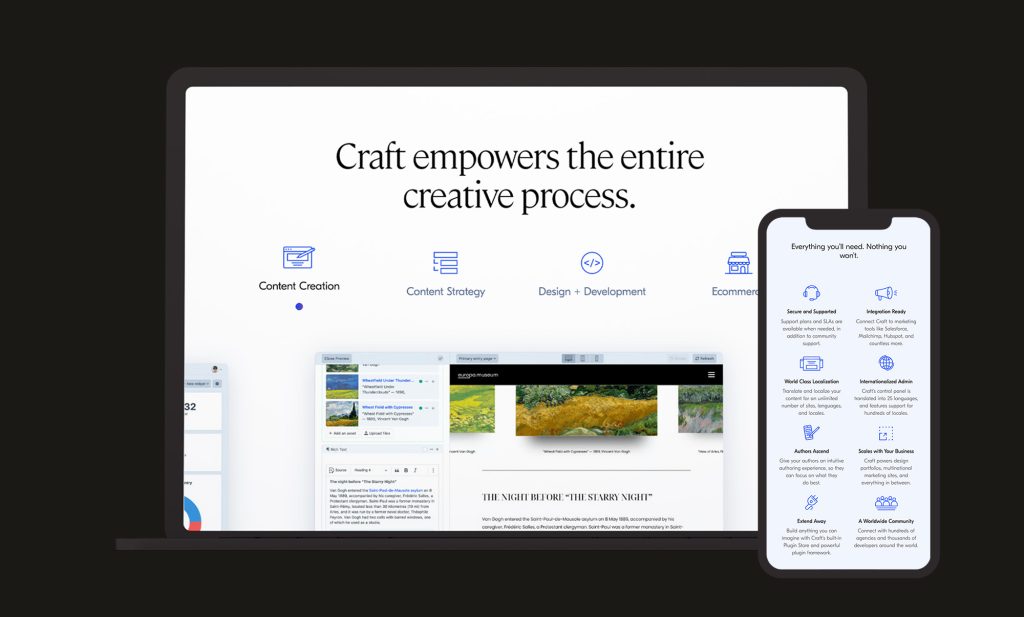
Craft CMS Device Mockups

WordPress vs Craft CMS Market Share 2026

There’s no contest on raw numbers. WordPress powers roughly 42-43% of all websites globally in 2026. Craft CMS, by comparison, holds well under 1% of the CMS market, with an estimated 100,000 or so live sites worldwide.

That gap is real, but it doesn’t tell the whole story. Craft has never chased mass-market adoption. It’s a commercially licensed, developer-first CMS that’s deliberately positioned itself at the premium, agency-led end of the market rather than competing for DIY users. Market share here reflects positioning as much as merit, WordPress dominates the total addressable market Craft was never trying to serve.

WordPress vs Craft CMS: Who Each Platform Is Actually Built For

Who is Craft CMS Built For?

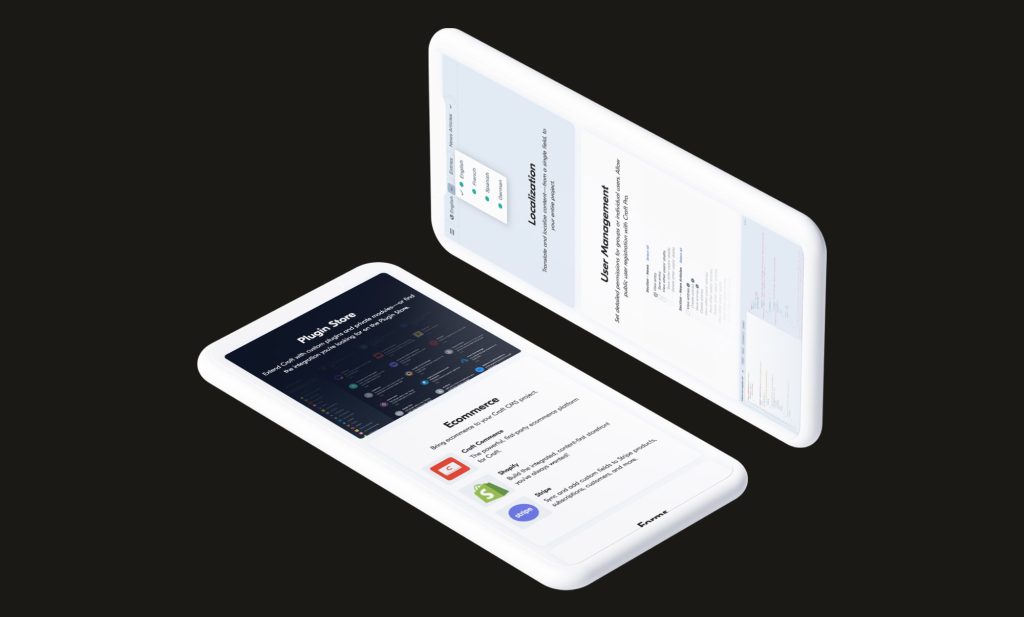
Craft was built from day one around structured content modelling. There’s no such thing as a generic “post” in Craft, every content type is something you define yourself: entries, fields, and structures built specifically around what your content actually is, not fitted into a blogging template.

That makes Craft a strong fit for content-heavy sites with genuinely custom requirements, publishers, brands with complex taxonomies, multi-language or multi-site operations, and teams that want an editorial experience shaped precisely around their content rather than adapted from a generic default.

The trade-off is accessibility. Craft has no official themes, and every site is built from scratch using Twig templating. It’s a platform designed for developers, not one intended for a non-technical user to install and run solo. If you don’t have development resource in-house or through an agency, Craft isn’t a realistic option.

If you’re weighing up whether your project genuinely needs Craft’s structured approach or would be well served by WordPress, we’re happy to talk it through honestly.

Who is WordPress Built For?

WordPress’s original DNA as a blogging platform still shows, in a good way. Its post-and-page structure, huge plugin ecosystem, and enormous template market mean a functional website can be live within hours, often without writing any code. That accessibility is exactly why it powers such a large share of the web: agencies, freelancers, and business owners with no development background can all work within it.

The trade-off is that WordPress’ content model wasn’t originally designed for complex, structured content. Custom post types, structured fields, and taxonomies are all achievable, but usually via a combination of core functionality and third-party plugins like Advanced Custom Fields, rather than being native to the platform from the ground up.

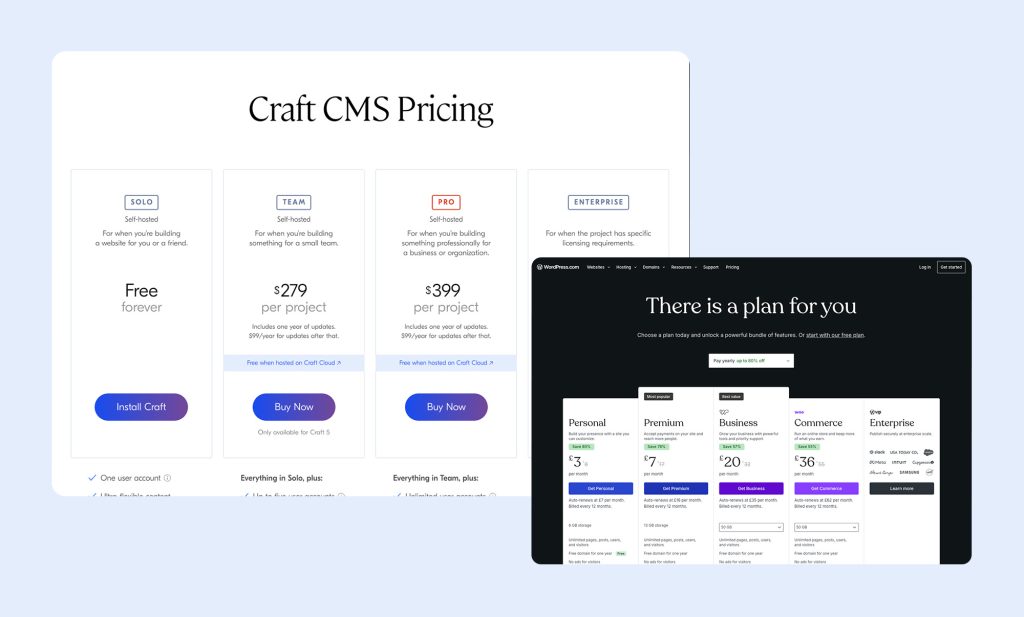
Craft-CMS-Pricing

WordPress vs Craft CMS: Cost and Feature Comparison

This is one of the starkest differences between the two platforms. WordPress is free software with variable running costs. Craft uses a per-project commercial licence on top of free self-hosting, or a free tier when hosted on Craft Cloud.


WordPress Craft Solo Craft Team Craft Pro
Licence Cost Free Free $279 per project $399 per project
Licence Renewal None None $99/year after year one $99/year after year one
User Accounts Unlimited One Five Unlimited
Hosting £20-£100/mo Self-hosted or free on Craft Cloud Self-hosted or free on Craft Cloud Self-hosted or free on Craft Cloud
Plugin Ecosystem 59,000+ 700-1,000 curated 700-1,000 curated 700-1,000 curated
Themes Available Thousands None – built from scratch None – built from scratch None – built from scratch


Craft CMS pricing correct as of mid-2026. WordPress hosting costs vary by provider and site requirements.

How Much Does Craft CMS Cost? (UK)

Craft’s licensing is refreshingly transparent for a commercial CMS: Solo is free forever for personal projects, Team costs a one-off $279 per project (with $99/year for updates after the first free year), and Pro costs $399 per project for unlimited users and a fully branded control panel. Both Team and Pro are free if you host on Craft Cloud, Craft’s own managed hosting platform.

The genuine cost driver with Craft isn’t the licence, it’s development time. Because every site is built from scratch rather than adapted from a theme, initial build costs tend to run higher than an equivalent WordPress project, particularly for simpler sites where WordPress’s theme ecosystem would otherwise do much of the work for free.

How Much Does WordPress Cost? (UK)

WordPress itself carries no licence fee at all, with costs coming from hosting, premium themes, and any plugins the project requires. For straightforward sites, this often makes WordPress meaningfully cheaper to get live, since a solid theme and a handful of plugins can cover most requirements without custom development.

That advantage narrows considerably for complex, content-heavy builds. A WordPress site trying to replicate Craft’s structured content capabilities typically needs a stack of plugins (Advanced Custom Fields, custom post type tools, and similar) plus custom development to tie them together properly, work that Craft’s content modelling handles natively. At that level of complexity, the total cost gap between the two platforms shrinks, and sometimes reverses.

Talk to our WordPress development team about what a realistic build would look like for your specific content requirements.

WordPress vs Craft CMS: Content Modelling & Developer Experience

This is Craft’s defining strength, and worth covering in its own right rather than folding into a general flexibility comparison. Craft’s field and entry-type system lets developers define exactly what a piece of content is made of before a single line of front-end code is written, and that structure is native to the platform rather than bolted on. Combined with Twig templating and a mature, native GraphQL API, Craft is regularly held up as one of the strongest options for headless and API-first builds, pairing cleanly with front-end frameworks like Next.js or Nuxt.

WordPress’s developer experience has improved substantially in recent years. Its REST API is solid out of the box, and the WPGraphQL plugin is mature and widely adopted for teams that want GraphQL specifically, with growing official support for headless setups through frameworks like Faust.js. The block editor’s structured data output has also made WordPress considerably more headless-friendly than it was even a couple of years ago.

The practical difference: Craft’s structured, API-first approach is native and consistent by design. WordPress’s is achievable, and increasingly good, but built from a stack of plugins and conventions layered on top of a platform whose core data model was never originally designed around structured content.

Craft CMS Sideways Phones

WordPress vs Craft CMS: SEO Comparison

WordPress’s SEO ecosystem is unmatched in scale. Plugins like Yoast SEO or Rank Math give editors granular, largely code-free control over metadata, schema, sitemaps, and redirects, and the sheer size of the plugin ecosystem means there’s a tool for nearly any SEO requirement.

Craft takes a different route: SEO functionality comes through plugins like SEOmatic, which developers configure directly rather than editors managing through a dashboard-driven interface. It’s less immediately accessible to a non-technical editor, but developers who’ve worked with both often rate Craft’s SEO tooling highly for its precision.

On raw performance, Craft’s Twig templates compile to efficient PHP with no framework bloat by default, and its element query engine has been specifically optimised for content-heavy sites. WordPress can match this, but typically needs a caching plugin and careful theme selection to get there, performance on WordPress is achievable but not automatic.

For editorial teams who want SEO control without touching code, WordPress’s plugin-driven approach remains more accessible. For developers who want precise, code-level control over technical SEO, Craft’s approach has real appeal.

WordPress vs Craft CMS: Security & Maintenance

This comparison is more nuanced than headline vulnerability statistics suggest. WordPress’s sheer scale, over 59,000 free plugins built by thousands of independent developers, means it’s a bigger target, and the overwhelming majority of reported WordPress vulnerabilities originate in third-party plugins and themes, not WordPress core itself. Core WordPress security is genuinely solid and backed by a dedicated security team, but a poorly maintained plugin stack is a real and common risk.

Craft’s curated plugin marketplace, numbering in the hundreds rather than tens of thousands, gives it a smaller attack surface by design. Licensing and updates are managed centrally through the control panel, and Craft’s commercial model funds a dedicated team responsible for core security, rather than relying primarily on volunteer contributions.

Neither platform is inherently insecure. The practical difference is exposure: a well-maintained WordPress site with a lean, carefully chosen plugin stack is very secure, but the platform’s scale means there’s more low-quality third-party code in circulation to potentially install by mistake. Craft’s smaller, curated ecosystem removes some of that risk at the cost of having fewer ready-made options to choose from.

Which Is Better: WordPress vs Craft CMS


WordPress Craft CMS
Fast, Low-Cost Launch
WordPress is a Better Fit
DIY / Non-Technical Editing
WordPress is a Better Fit
Large Plugin / Theme Ecosystem
WordPress is a Better Fit
Simple Blogs & Brochure Sites
WordPress is a Better Fit
Structured, Complex Content
Craft CMS is a Better Fit
Headless / API-First Builds
Craft CMS is a Better Fit
Curated, Lower-Risk Plugin Ecosystem
Craft CMS is a Better Fit

This is genuinely one of the closer calls in this series. WordPress wins on cost, ecosystem size, and accessibility for non-technical teams. Craft wins on structured content, developer experience, and long-term maintainability for complex, content-heavy platforms. Neither is the wrong answer, but picking the one that doesn’t fit your team’s actual working style will cost you down the line regardless of which platform you choose.

Building or Migrating Your Site to WordPress?

Whether you need a fast, cost-effective WordPress build or you’re evaluating whether your content complexity genuinely warrants a platform like Craft, we can help you make the right call, and build it properly once you do.

Ready to push your platform?

Ready to push your platform?

Ready to push your platform?

Ready to push your platform?

Ready to push your platform?

Ready to push your platform?

Ready to push your platform?

Ready to push your platform?

Ready to push your platform?

Ready to push your platform?

Ready to push your platform?

Ready to push your platform?

Ready to push your platform?

Ready to push your platform?

Ready to push your platform?

Ready to push your platform?

Ready to push your platform?

Ready to push your platform?

Ready to push your platform?

Ready to push your platform?

Ready to push your platform?

Ready to push your platform?

Ready to push your platform?

Ready to push your platform?

Ready to push your platform?

Ready to push your platform?

Ready to push your platform?

Ready to push your platform?

Ready to push your platform?

Ready to push your platform?

Ready to push your platform?

Ready to push your platform?