Got a project in mind?
We’d love to hear about it.

Get in touch
Yellow Peach web design agency

Every digital designer has a collection of go-to resources that make their work faster, sharper and more enjoyable. Whether you’re looking for inspiration, researching user experience patterns, discovering the perfect typeface or exploring the latest interaction trends, having the right tools at your fingertips can make all the difference.

The problem is that there are now thousands of design resources competing for your attention. Some are genuinely useful. Others become another tab you bookmark and never open again.

This list brings together ten of our favourite web design resources that we regularly return to throughout the creative process at Yellow Peach. They cover everything from UI and UX research to typography, branding, motion and creative direction.

Some help us solve specific design problems. Others are simply excellent places to go when an idea needs a push in a more interesting direction.

Whether you’re just starting out or have years of experience, these are ten websites well worth keeping close.
How we chose these web design resources

A useful design resource should do more than provide something attractive to scroll through.

The best ones help you work more effectively, expose you to ideas you wouldn’t otherwise find or make it easier to understand how other designers have solved similar problems.

The resources below aren’t all trying to do the same thing. Some are practical tools we use during live projects, while others are primarily sources of inspiration and research.

We’ve deliberately included a mixture across:

  • Web design inspiration for interesting layouts, interactions and creative direction.
  • UI and UX research for understanding how established products solve common user journeys.
  • Typography and creative assets for stronger visual identities and design systems.
  • Brand research for developing better visual reasoning.
  • Motion and interaction for exploring what modern frontend technology makes possible.

The ranking is subjective. These are resources we rate because they’re genuinely useful to the kind of digital design work we do.

10 Best Web Design Resources for Designers in 2026

Awwwards

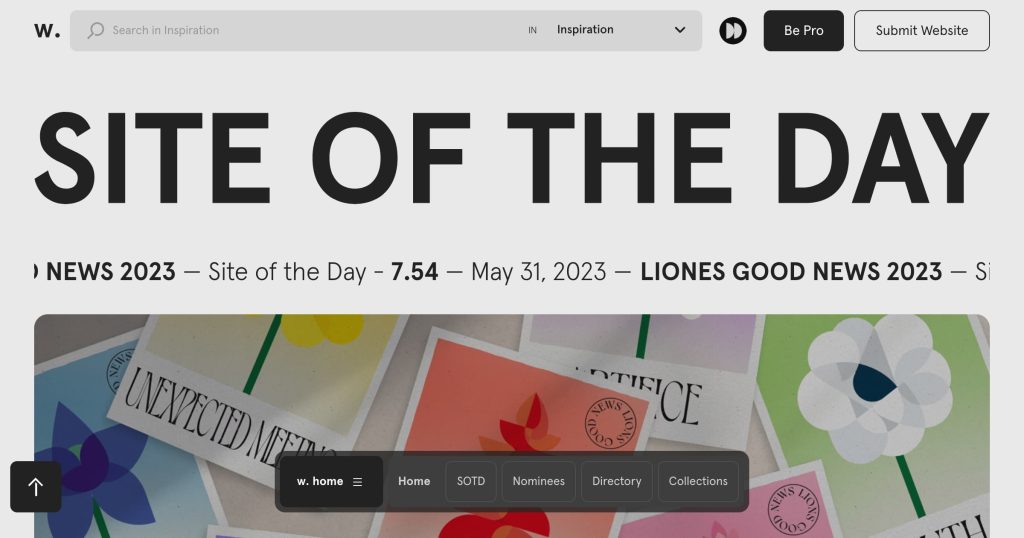
1. Awwwards

For many digital designers, Awwwards remains one of the benchmarks for exceptional web design.

It celebrates websites that combine strong visual design, technical innovation and memorable user experiences, with work from agencies, studios and independent creatives around the world.

Not every Awwwards-winning website should be treated as a UX blueprint. Some deliberately prioritise spectacle and experimentation over simplicity, and that’s part of what makes the platform interesting.

We use it less as a collection of interfaces to copy and more as a way of seeing what’s possible. New approaches to typography, layout, motion and interaction often appear in experimental work before filtering into more mainstream digital design.

Why we use Awwwards

  • World-class web design inspiration.
  • Cutting-edge interaction and motion design.
  • Work from leading agencies and independent creatives.
  • Useful for spotting emerging digital design trends.

Price: Free to browse

Mobbin

2. Mobbin

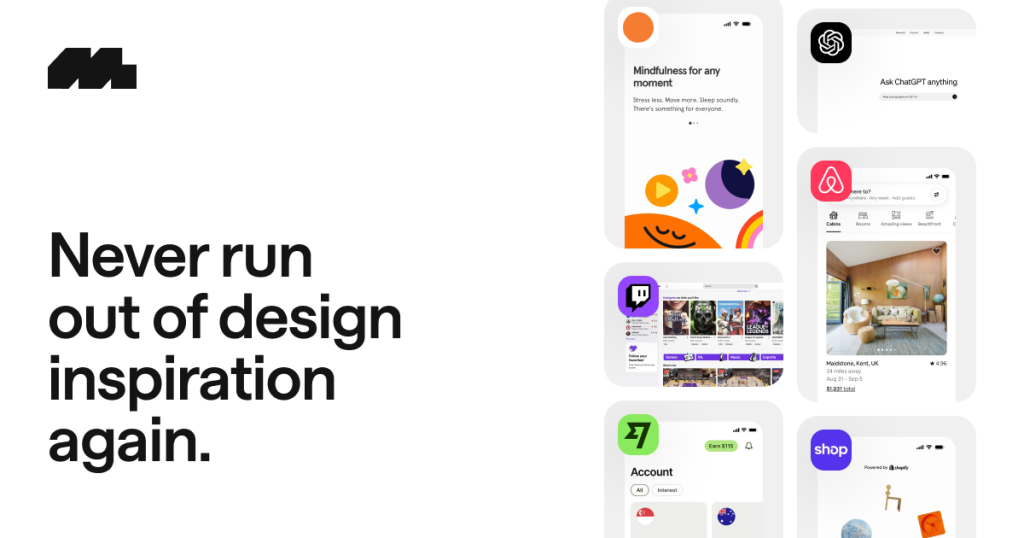
When you’re designing digital products, there’s no substitute for seeing how established products solve real interface problems.

Mobbin provides a searchable library of interface screens and user flows from real websites and applications. That makes it invaluable when researching everything from onboarding and checkout to navigation, authentication and account management.

The important distinction is that Mobbin isn’t primarily about visual inspiration. It’s about patterns.

Rather than reinventing a familiar interaction from scratch, you can understand how multiple established products approach the same problem and identify useful conventions.

Why we use Mobbin

  • Large library of real-world UI screens and user flows.
  • Search by pattern, component, feature and product.
  • Useful for understanding established UX conventions.
  • Saves time during interface and product research.

Price: Free or paid plans

Cosmos

3. Cosmos

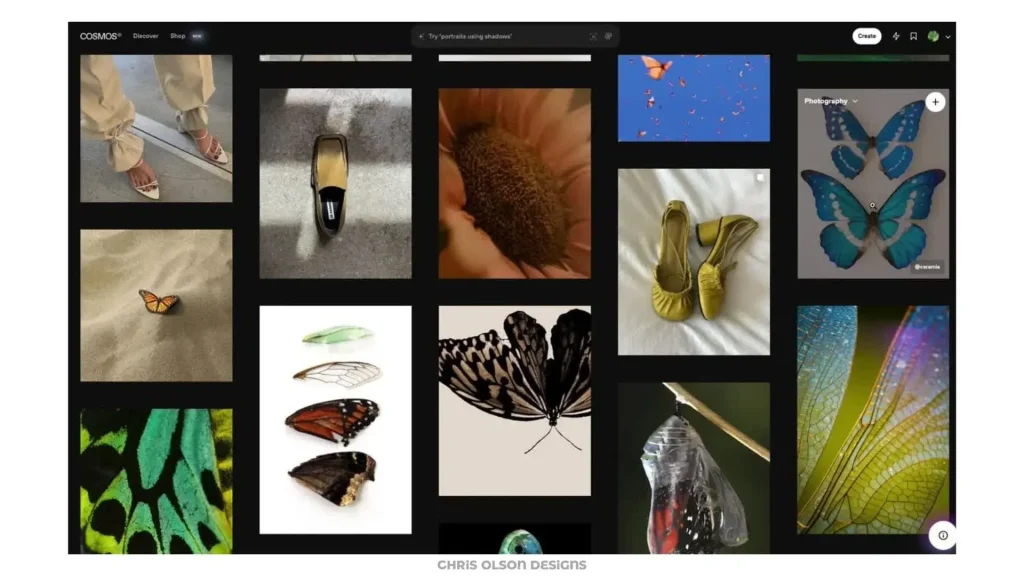
Cosmos sits somewhere between a visual discovery platform and a personal inspiration library.

Like Are.na, it gives designers somewhere to collect references and organise ideas, but the experience is much more visually driven. Branding, digital design, photography, interiors, fashion and architecture can all sit alongside one another in carefully curated collections.

Its clean interface is a large part of the appeal. Research can quickly become chaotic when you’re juggling screenshots, browser tabs and desktop folders. Cosmos makes collecting references feel intentional rather than overwhelming.

Why we use Cosmos

  • Beautifully curated visual inspiration.
  • Strong discovery across multiple creative disciplines.
  • Easy organisation into coherent collections.
  • Particularly useful for creative direction and moodboarding.

Price: Free or paid plans

You work for them

4. YouWorkForThem

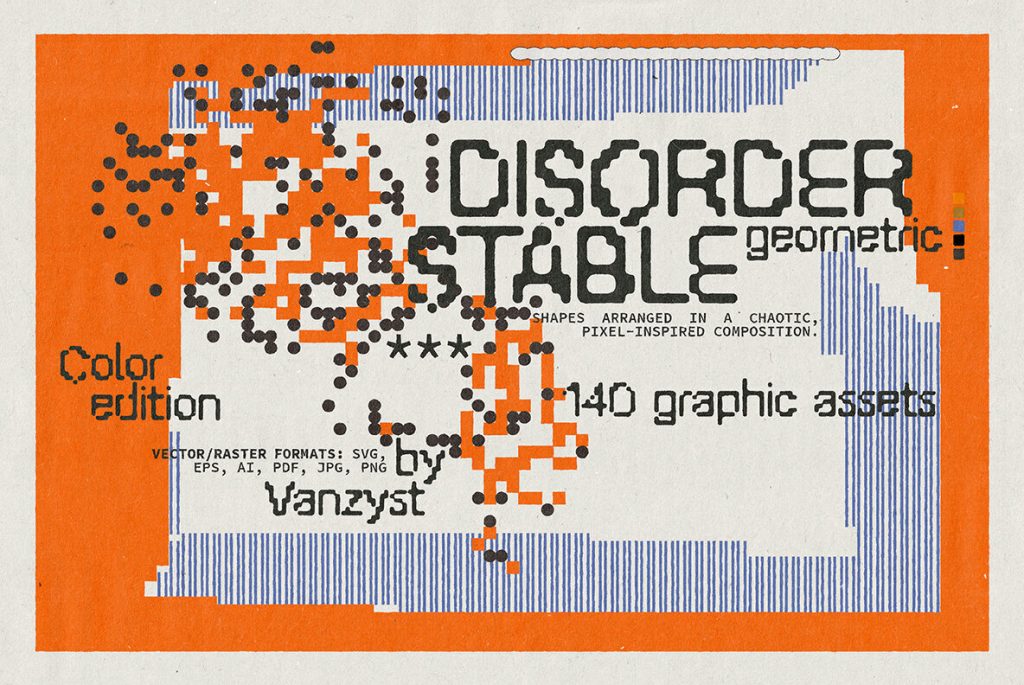
More than simply a font marketplace, YouWorkForThem is a large collection of creative assets from independent designers and foundries.

You’ll find typefaces alongside graphics, mockups, photos and other visual resources that can help a project move away from the same small collection of free assets appearing everywhere else.

We particularly like it during identity and early creative-direction work, where finding one unusual typeface or visual reference can change the direction of an entire project.

Why we use YouWorkForThem

  • Large collection of high-quality fonts and creative assets.
  • Distinctive resources from independent designers and foundries.
  • Particularly useful for branding and editorial-inspired design.
  • Professional mockups and graphic elements.

Price: Free to browse; assets priced individually

GSAP

5. Made With GSAP

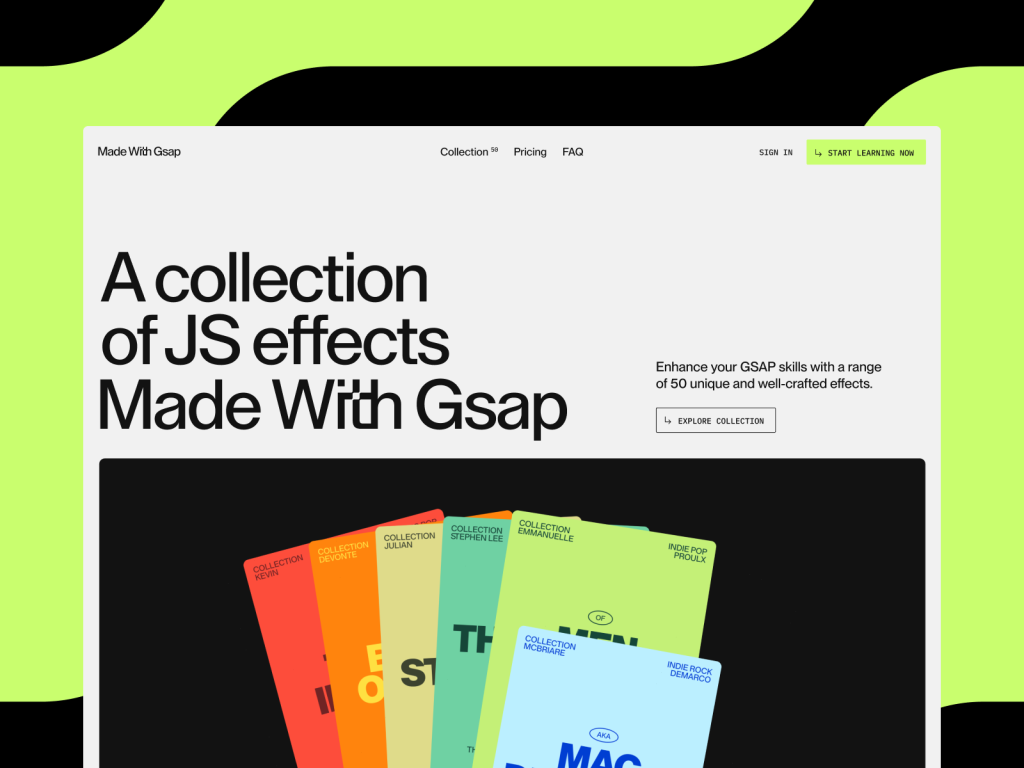
Motion has become a defining feature of modern web experiences, and Made With GSAP is an excellent place to see what’s possible when animation is treated as part of the experience rather than decoration added at the end.

The showcase brings together websites and experiments built using GSAP, covering everything from subtle transitions to complex scroll-driven sequences.

It’s useful for designers as much as developers. Seeing motion implemented properly helps you think beyond static frames and consider how an interface behaves between states.

Why we use Made With GSAP

  • Excellent inspiration for sophisticated web motion.
  • Discover unusual scrolling and interaction patterns.
  • Shows how animation can support user experience.
  • Helps bridge design ideas and frontend implementation.

Price: Free to browse

Arena

6. Are.na

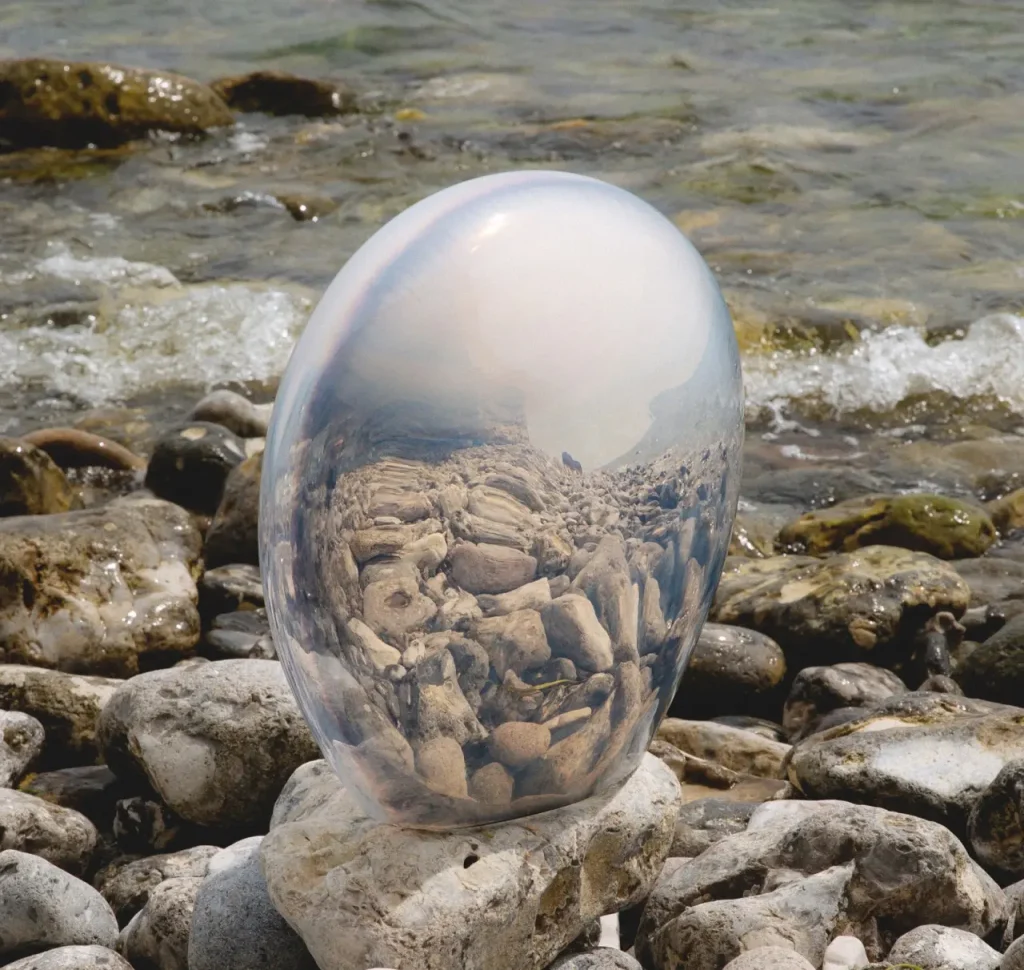
Unlike traditional moodboard tools, Are.na is built around collecting ideas rather than chasing an algorithm.

Designers use it to curate references spanning photography, architecture, typography, materials, colour and art. That breadth is precisely what makes it useful.

If all of your inspiration comes from other websites, there’s a good chance your next website will look like everybody else’s. Are.na makes it easier to build a visual direction from a much broader collection of influences.

Why we use Are.na

  • Excellent for thoughtful moodboards and research collections.
  • Encourages inspiration beyond graphic and web design.
  • Useful for colour, texture, imagery and creative direction.
  • Rewards deeper research rather than algorithmic scrolling.

Price: Free or paid plans

“Whenever I feel creatively stuck, I open Are.na. The quality of the curation is exceptional, and I’ve discovered references and felt inspired by things I would never have been able to find through traditional search or social media.”

– Samuel Gibbs

Brand New

7. Brand New

Published by UnderConsideration, Brand New is one of the best-known resources for following and analysing brand identity work.

Rather than simply presenting a new logo, its coverage looks at the wider identity, the thinking behind it and how the work performs across real applications.

That’s useful for digital designers because branding is rarely separate from the interface. Typography, colour, hierarchy, imagery and tone all feed directly into how a website or digital product feels.

Why we use Brand New

  • Thoughtful critique of real-world identity projects.
  • Helps develop stronger visual reasoning.
  • Useful for understanding how identities behave beyond a logo.
  • A good way to follow significant rebrands.

Price: Paid subscription

Godly

8. Godly

Godly showcases some of the most creative websites on the internet, with a particular emphasis on bold interaction design, expressive layouts and memorable digital experiences.

There are plenty of web design galleries online, but Godly’s curation is what makes it useful. It provides a concentrated stream of interesting work from studios and independent designers pushing beyond conventional marketing-site patterns.

It’s particularly useful at the beginning of a project when we’re establishing visual direction or looking for examples of how an unusual layout, transition or interaction might work.

Why we use Godly

  • Carefully curated examples of exceptional web design.
  • Strong source of ideas for creative layouts and interactions.
  • Excellent reference for premium marketing websites.
  • Often surfaces visual and interaction trends early.

Price: Free

Figma

9. Figma Community

Whether you’re looking for inspiration, speeding up your workflow or learning how other designers solve problems, Figma Community is one of the richest resources available.

It brings together UI kits, design systems, plugins, templates and educational files created by designers around the world. Even experienced designers can discover new techniques simply by exploring how somebody else has structured a component or production-ready design system.

It’s also one of the more practical resources here: rather than only seeing a finished screenshot, you can often get inside the file and understand how it was put together.

Why we use Figma Community

  • Huge collection of UI kits and templates.
  • Plugins that remove repetitive design work.
  • Real design systems and working files to learn from.
  • Resources for almost every common digital design challenge.

Price: Free

Adobe fonts

10. Adobe Fonts

Typography can make or break a digital experience, and Adobe Fonts remains one of the easiest ways to access a vast library of high-quality typefaces.

Included with eligible Adobe Creative Cloud plans, it lets designers activate fonts without buying individual desktop licences or manually managing font files. From established classics to contemporary variable fonts, it’s invaluable when exploring typography for a new website or brand.

Why we use Adobe Fonts

  • Thousands of professionally designed typefaces.
  • A strong selection from respected type foundries.
  • Excellent variable-font options for responsive design.
  • Particularly useful for typographic systems and brand identities.

Price: Free with eligible Adobe Creative Cloud plans

“Adobe Fonts is a great resource that gives designers access to a large library of fonts from world-leading type foundries. The quality of font families available is noticeably greater than what’s available on free platforms such as Google Fonts, and the ability to sync directly into your workflow makes initial ideation so much easier.”

– Matt Campbell

Our favourite web design resources

The best digital experiences are rarely created in isolation. They’re shaped by continuous learning, thoughtful research and a willingness to explore ideas outside the immediate brief.

The important thing isn’t to copy what you find on Awwwards, rebuild somebody else’s Mobbin flow or use the first typeface that catches your eye on Adobe Fonts. These resources are most useful when they broaden the pool of ideas you’re working from and help you make more informed design decisions.

They’re some of our favourites at Yellow Peach, and each plays a slightly different role in how we research, explore and refine digital work.

If you’re planning a new website, refreshing your brand or looking to create a digital experience that leaves a lasting impression, we’d love to hear about it.

Ready to push your platform?

Ready to push your platform?

Ready to push your platform?

Ready to push your platform?

Ready to push your platform?

Ready to push your platform?

Ready to push your platform?

Ready to push your platform?

Ready to push your platform?

Ready to push your platform?

Ready to push your platform?

Ready to push your platform?

Ready to push your platform?

Ready to push your platform?

Ready to push your platform?

Ready to push your platform?

Ready to push your platform?

Ready to push your platform?

Ready to push your platform?

Ready to push your platform?

Ready to push your platform?

Ready to push your platform?

Ready to push your platform?

Ready to push your platform?

Ready to push your platform?

Ready to push your platform?

Ready to push your platform?

Ready to push your platform?

Ready to push your platform?

Ready to push your platform?

Ready to push your platform?

Ready to push your platform?