Got a project in mind?
We’d love to hear about it.

Get in touch
Yellow Peach web design agency

Website Terminology Guide: 25 Essential Web Design Terms Every Business Owner Should Know

Yellow Peach
written by Sam

Guides

Whether you're planning a new website, discussing improvements with your agency or simply trying to understand a proposal, you've probably come across terminology that sounds unfamiliar.

Terms like CMS, wireframe and responsive design are used every day in web design projects, but they’re rarely explained in plain English.

The good news is that you don’t need to become a web developer to understand them.

Learning the basics of website terminology will help you ask better questions, make more informed decisions and feel confident when discussing your website. It also makes it easier to understand quotations, project plans and recommendations from designers, developers and digital marketers.

This guide explains 25 of the most common web design and development terms in straightforward language, along with why each one matters to your business.

Key Takeaways

  • Learn the meaning behind 25 common website and web design terms.
  • Understand why these terms matter, not just what they mean.
  • Feel more confident discussing your website with agencies and developers.
  • Make better decisions when planning, improving or maintaining your website.

Why Understanding Website Terminology Matters

Your website is one of your most valuable business assets. Whether it’s generating enquiries, selling products or building credibility, every decision made during a website project has an impact.

Understanding the terminology helps you become an informed client rather than simply relying on recommendations you don’t fully understand. It means you’ll be able to recognise why one approach may be better than another, identify opportunities to improve your website and have more productive conversations throughout your project.

You don’t need to know how to write code or design interfaces. You simply need enough knowledge to understand what’s being discussed and how it affects your website’s performance.

The best website projects happen when agencies and clients speak the same language. A basic understanding of common terminology makes collaboration much smoother and usually leads to better decisions throughout the project.

Samuel Gibbs, Digital Designer at Yellow Peach

Website Terminology Explained

Custom WordPress website

Website Structure & Layout

Above the Fold

Above the fold refers to the part of a webpage that’s visible before a visitor starts scrolling. It’s the first thing people see when they arrive on your website, making it one of the most important areas for communicating who you are, what you offer and what action you’d like visitors to take next.

Hero Section

The hero section is the large banner area at the top of a webpage, usually containing a headline, supporting text, imagery and a call to action. A well-designed hero section immediately explains what your business does and encourages visitors to continue exploring your website or get in touch.

Navigation

Navigation is the system of menus and links that helps visitors move around your website. Clear, logical navigation makes it easy for people to find the information they’re looking for, while confusing menus can quickly lead to frustration and lost enquiries.

Landing Page

A landing page is a dedicated webpage created for a specific objective, such as promoting a service, advertising campaign or downloadable guide. Unlike a homepage, which introduces your business more broadly, a landing page focuses on a single message and encourages visitors to complete one clear action.

Wireframe

A wireframe is a simple blueprint showing the structure and layout of a webpage before colours, imagery and branding are applied. It allows everyone involved in a project to agree on the placement of content and functionality before visual design or development begins, making changes quicker and more cost-effective.

Prototype

A prototype is an interactive version of a website design that allows users to click through pages before development starts. It helps designers and clients test user journeys, navigation and page layouts, reducing surprises and revisions later in the project.

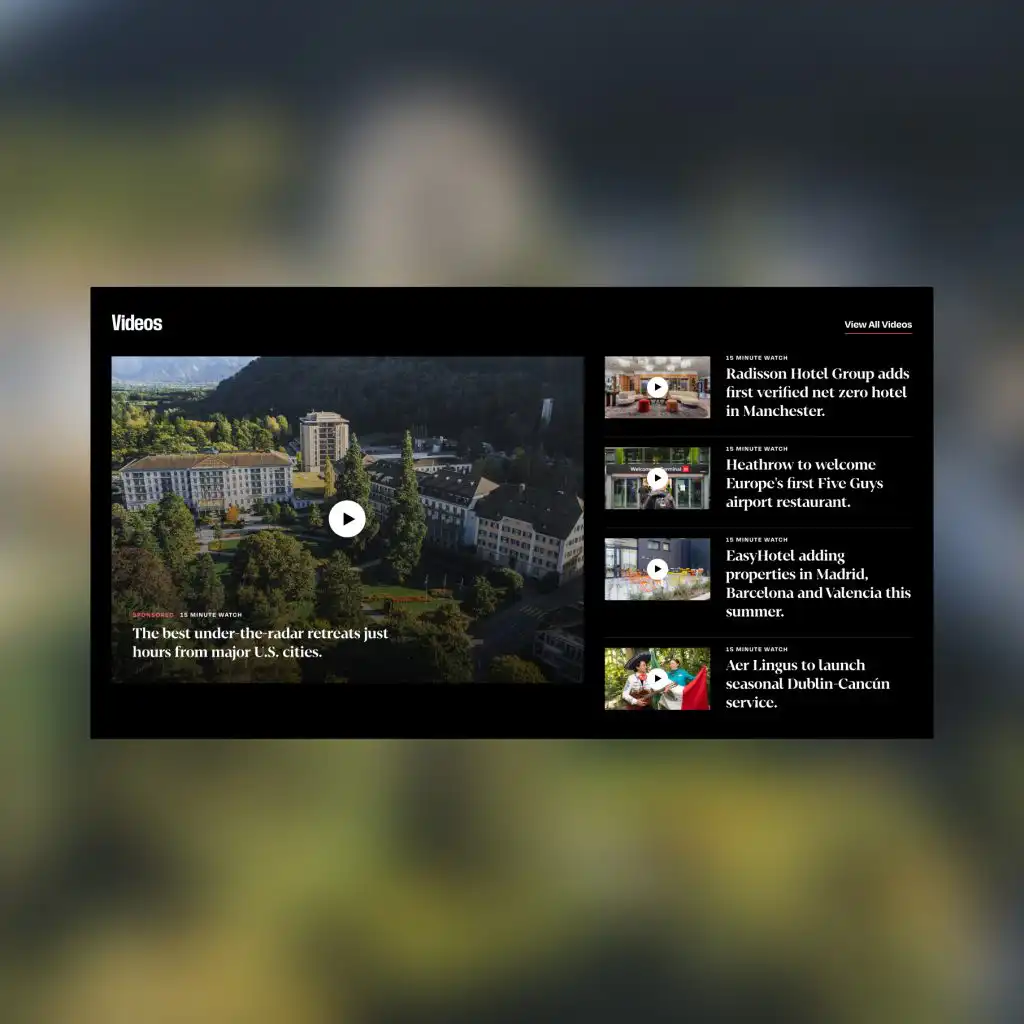
Editorial website

Website Design & User Experience

UI (User Interface)

User Interface (UI) refers to the visual elements visitors interact with, including buttons, forms, menus, typography and colours. Good UI creates a consistent, professional appearance while making it obvious how users should interact with your website.

UX (User Experience)

User Experience (UX) is the overall experience someone has while using your website. It considers how easy it is to navigate, how quickly visitors can find information and how smoothly they can complete tasks such as making an enquiry or purchasing a product. A website can look fantastic but still offer poor UX if it’s difficult to use.

Responsive Design

Responsive design means a website automatically adapts to different screen sizes, providing a good experience whether someone is using a desktop computer, tablet or smartphone. With mobile traffic accounting for more than half of most websites’ visitors, responsive design is no longer optional – it’s an essential part of modern web design.

Front-End

The front-end is everything visitors see and interact with on your website, including layouts, images, animations, navigation and content. It’s the part of the website most people think of when discussing web design, and it plays a significant role in creating a positive first impression.

Back-End

The back-end is the behind-the-scenes technology that powers your website. It includes databases, servers, content management systems and the code that handles functionality such as contact forms, user accounts and ecommerce. While visitors never see it, a well-built back-end keeps your website secure, reliable and easy to manage.

Big Issue on mobile phone

Website Management & WordPress

CMS (Content Management System)

A Content Management System (CMS) is software that allows you to manage and update your website without writing code. WordPress is the world’s most popular CMS, giving you the ability to add pages, publish blog posts, upload images and edit content through an easy-to-use dashboard. A good CMS makes it easier to keep your website fresh, secure and relevant.

Hosting

Hosting is the service that stores your website’s files and makes them available online. Every website needs hosting in order to be accessible on the internet. Choosing a reliable hosting provider can improve your website’s speed, security and uptime, while poor hosting often leads to slow loading times and unnecessary downtime.

Domain Name

Your domain name is your website’s address on the internet, such as yellowpeach.co.uk. A memorable, easy-to-spell domain helps people find your business online and reinforces your brand. It’s worth thinking carefully about your domain name, as changing it later can have implications for branding and search engine rankings.

Plugin

A plugin is an add-on that extends the functionality of your website without requiring custom development. For example, plugins can add contact forms, ecommerce features, SEO tools or security enhancements. While plugins are incredibly useful, it’s important to choose high-quality, well-maintained options, as using too many or outdated plugins can affect performance and security.

SSL Certificate

An SSL Certificate encrypts data sent between your website and its visitors, helping to protect sensitive information such as contact forms and payment details. Websites with an SSL certificate use https:// rather than http://, and modern browsers often warn users before visiting websites that aren’t secured in this way.

Search Engine Optimisation (SEO)

SEO (Search Engine Optimisation)

SEO is the process of improving your website so it appears higher in search engine results for relevant searches. It includes technical improvements, content creation, keyword optimisation and earning authority through quality links. Good SEO helps more potential customers discover your business organically, without relying solely on paid advertising.

Meta Description

A meta description is the short summary displayed beneath your page title in search engine results. Although it isn’t a direct ranking factor, a well-written meta description can encourage more people to click through to your website by clearly explaining what they’ll find on the page.

Alt Text

Alt text is a written description of an image that’s primarily used by screen readers to improve accessibility. It also helps search engines understand what an image shows. Good alt text should accurately describe the image rather than simply stuffing keywords into it.

Analytics

Website analytics provide data about how visitors interact with your website. Tools such as Google Analytics can show where your visitors come from, which pages they view, how long they stay and whether they complete important actions. This information helps you make informed decisions rather than relying on guesswork when improving your website.

Website Performance

Page Speed

Page speed measures how quickly your website loads and becomes usable. Faster websites generally provide a better user experience, improve search engine rankings and increase conversion rates. Even a delay of a second or two can lead to more visitors leaving before your content has loaded.

Bounce Rate

Bounce rate measures the percentage of visitors who leave your website after viewing just one page. A high bounce rate doesn’t always indicate a problem – for example, someone may find the information they need immediately – but it can also suggest that your content, navigation or user experience isn’t encouraging visitors to explore further.

Conversion & Marketing

CTA (Call to Action)

A Call to Action (CTA) is any prompt that encourages visitors to take the next step. Common examples include “Get in Touch”, “Request a Quote”, “Book a Demo” or “Download Our Guide”. Effective CTAs are clear, prominent and aligned with the goals of both your business and your visitors.

Conversion Rate

Conversion rate is the percentage of website visitors who complete a desired action, such as submitting an enquiry, making a purchase or signing up to a newsletter. Improving your conversion rate means getting more value from your existing website traffic, rather than simply trying to attract more visitors.

Conversion Funnel

A conversion funnel describes the journey someone takes from first discovering your website through to completing a goal. For example, a visitor might arrive via Google, read a service page, browse your case studies and then submit an enquiry. Understanding this journey helps identify where people are dropping off and where improvements can increase conversions.

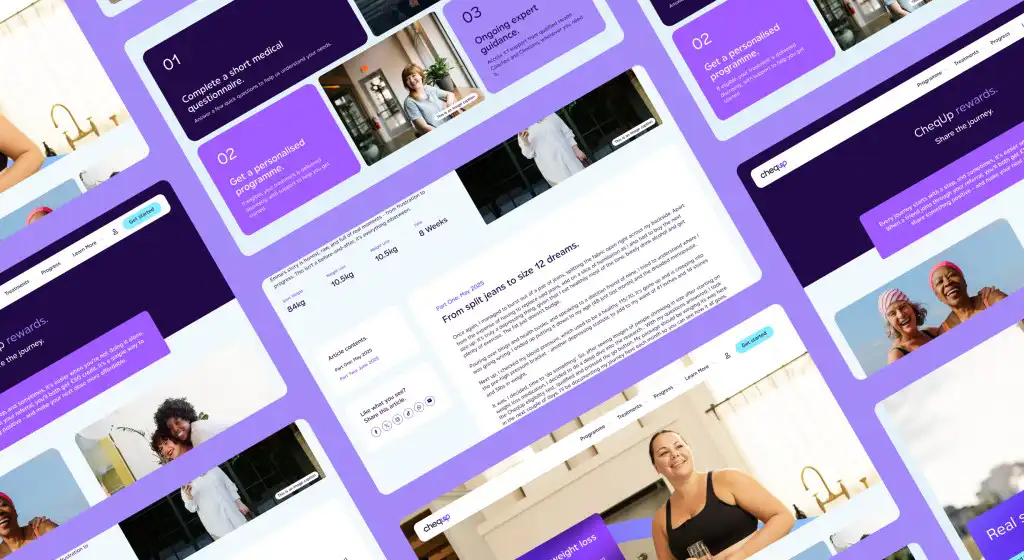
Figma website screens

Commonly Confused Website Terms

Some website terminology is easy to mix up because the terms sound similar or are often used together. Understanding the differences can make conversations with designers and developers much clearer.

UI vs UX

Although they’re closely related, User Interface (UI) and User Experience (UX) aren’t the same thing.

UI focuses on how a website looks. It includes the colours, typography, buttons, icons and other visual elements that people interact with.

UX focuses on how a website works. It considers how easy it is to navigate, whether users can find information quickly and how smoothly they can complete tasks.

A useful way to think about it is that UI is what people see, while UX is how they feel when using your website. Great websites need both.

Front-End vs Back-End

The front-end is the part of your website that visitors see and interact with, while the back-end is everything working behind the scenes.

If someone fills in a contact form, the front-end is the form itself. The back-end processes the submission, stores the information and sends it to the right place.

Both are equally important. An attractive website won’t perform well if the back-end is unreliable, and a technically excellent website won’t engage visitors if the front-end is poorly designed.

Wireframe vs Prototype

A wireframe is a simple structural layout showing where content and features will appear on a page.

A prototype takes things a step further by allowing people to click through pages and experience how the website will work before development begins.

Think of a wireframe as the blueprint, while a prototype is a working model.

Landing Page vs Homepage

A homepage introduces your business and acts as the main entry point to your website.

A landing page has a much narrower focus, usually supporting a specific marketing campaign, service or product with one clear objective.

Because landing pages remove distractions and concentrate on a single action, they often achieve higher conversion rates than general-purpose pages.

Hosting vs Domain Name

Your domain name is your website’s address, while hosting is the service that stores your website’s files.

A simple analogy is to think of your domain as your business address and your hosting as the building itself. You need both for your website to exist online.


Bringing It All Together

Website terminology might seem overwhelming at first, but understanding the basics makes a huge difference when you’re planning, managing or improving your website.

You don’t need to memorise every technical term or understand how websites are built behind the scenes. Instead, focus on understanding the concepts that influence your website’s performance, user experience and ability to generate enquiries or sales.

The more familiar you become with common terminology, the easier it is to communicate with agencies, evaluate recommendations and make confident decisions about your online presence.

At Yellow Peach, we believe technical language shouldn’t be a barrier. Our role is to explain complex concepts in plain English and help you understand not only what we’re recommending, but why it matters to your business.

Whether you’re planning a brand-new website, looking to improve an existing one or simply want honest advice, we’re always happy to have a conversation – without the jargon.

Share this article

Ready to push your platform?

Ready to push your platform?

Ready to push your platform?

Ready to push your platform?

Ready to push your platform?

Ready to push your platform?

Ready to push your platform?

Ready to push your platform?

Ready to push your platform?

Ready to push your platform?

Ready to push your platform?

Ready to push your platform?

Ready to push your platform?

Ready to push your platform?

Ready to push your platform?

Ready to push your platform?

Ready to push your platform?

Ready to push your platform?

Ready to push your platform?

Ready to push your platform?

Ready to push your platform?

Ready to push your platform?

Ready to push your platform?

Ready to push your platform?

Ready to push your platform?

Ready to push your platform?

Ready to push your platform?

Ready to push your platform?

Ready to push your platform?

Ready to push your platform?

Ready to push your platform?

Ready to push your platform?